Product Update
Screencap v1.2.4 makes local OCR smaller and quicker
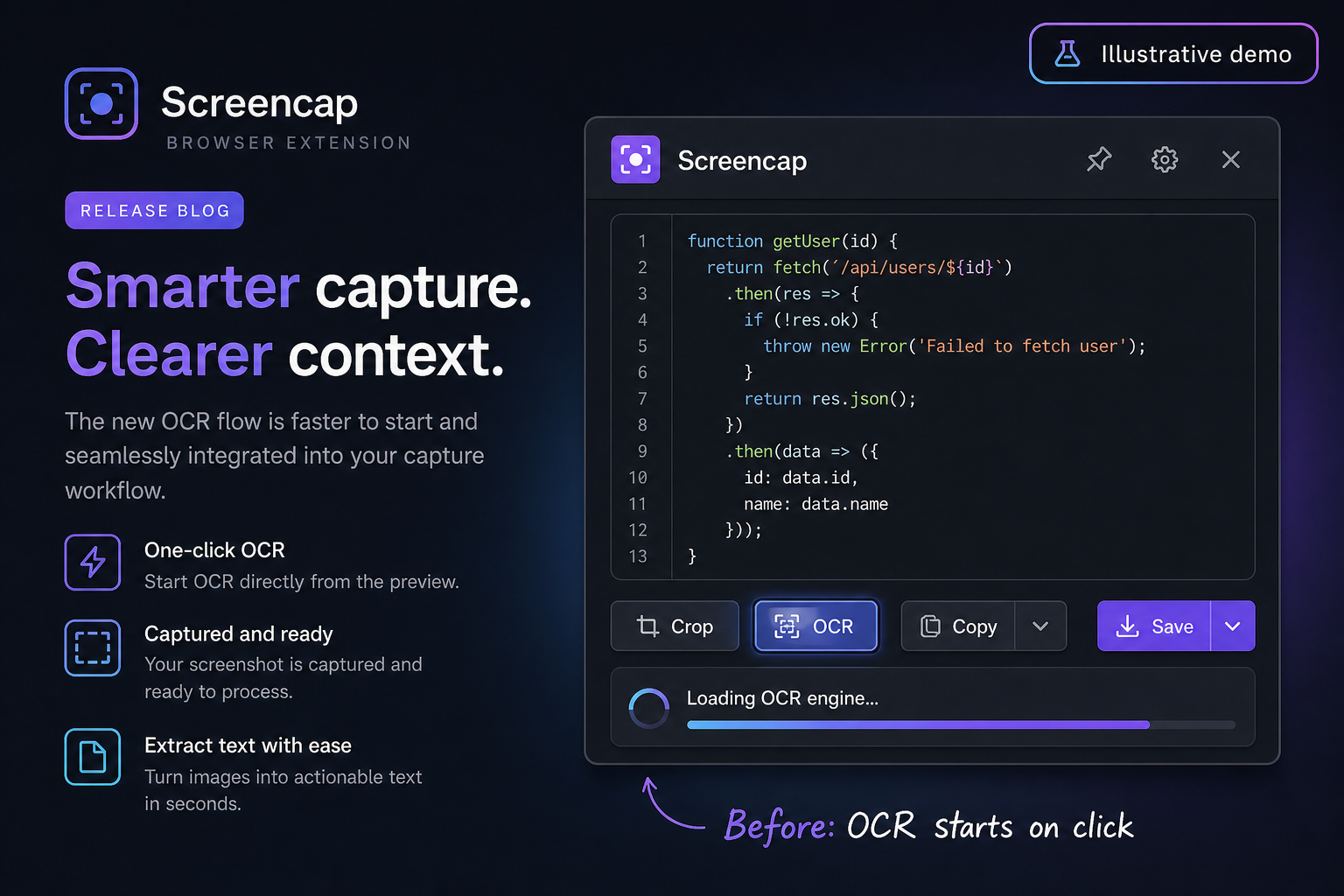
OCR should feel like part of capture, not a separate application that starts after you click. Screencap v1.2.4 reduces the packaged OCR runtime from about 54 MB to about 13 MB and starts preparing it while you review the capture.
The release also changes how recognition runs. Screenshots now use a page-layout mode suited to mixed interface text. Screencap only starts a second binary pass when the first result is empty or has very low confidence.
What changed
- About 41 MB less packaged OCR data: the extension now includes only the three LSTM cores required for browser compatibility and the smaller LSTM-only English model.
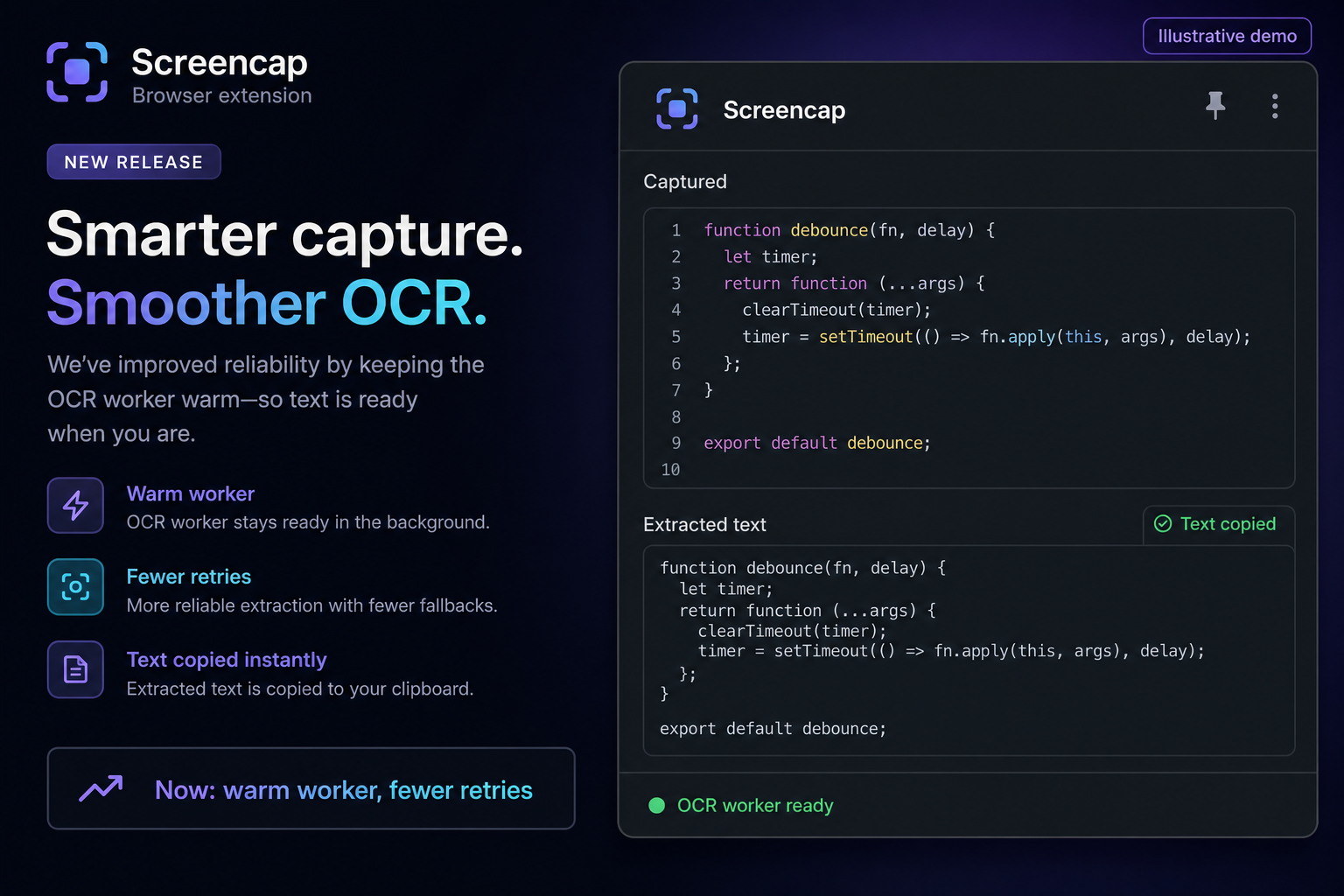
- Earlier startup: the editor and capture preview warm the OCR worker before extraction starts.
- SIMD-aware core selection: Screencap selects relaxed SIMD, SIMD, or the standard LSTM core based on browser support.
- Fewer full recognition passes: the fallback pass now runs only for empty or very low-confidence output.
- Less conversion work: preprocessed canvas data goes directly to Tesseract instead of being encoded as another PNG data URL.
- Reliable repeat captures: content-script guards and cleanup prevent selection overlays from stacking in the same tab.
What the size reduction means
The old package contained legacy OCR cores, inlined WebAssembly variants, and a language model with data for an engine Screencap did not use. The new build copies only the LSTM files needed at runtime. This reduces extension download and install size without moving OCR to a server.
Still private and offline
OCR still runs in the browser. Screencap does not upload the screenshot or extracted text for recognition. The worker and English language model ship with the extension, so OCR remains available offline.
Try v1.2.4
Capture an area, choose OCR from the preview, and paste the extracted text into your next document or message.